Ledger Nano X Review: Still Worth It in 2026?
This post contains affiliate links.
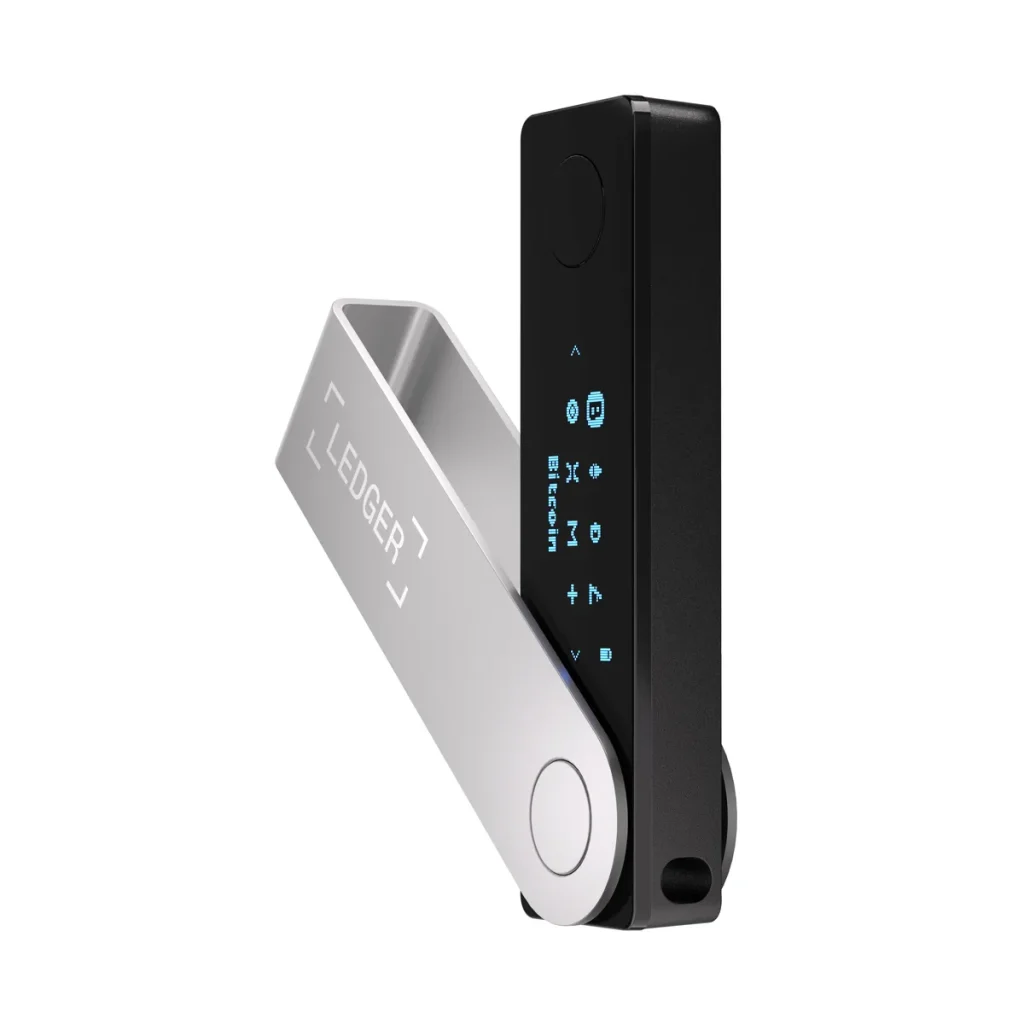
The Nano X is the Ledger a lot of people in crypto already own. It’s the stick with Bluetooth and a battery that pairs with your phone. Ledger still sells it, and now calls it “the classic backup signer for autonomy, privacy and ownership on your own terms.” So the honest question in 2026 is whether you should buy one new, or get the Nano Gen5 instead.
Check the Ledger Nano X on Ledger’s official store
Who it is for
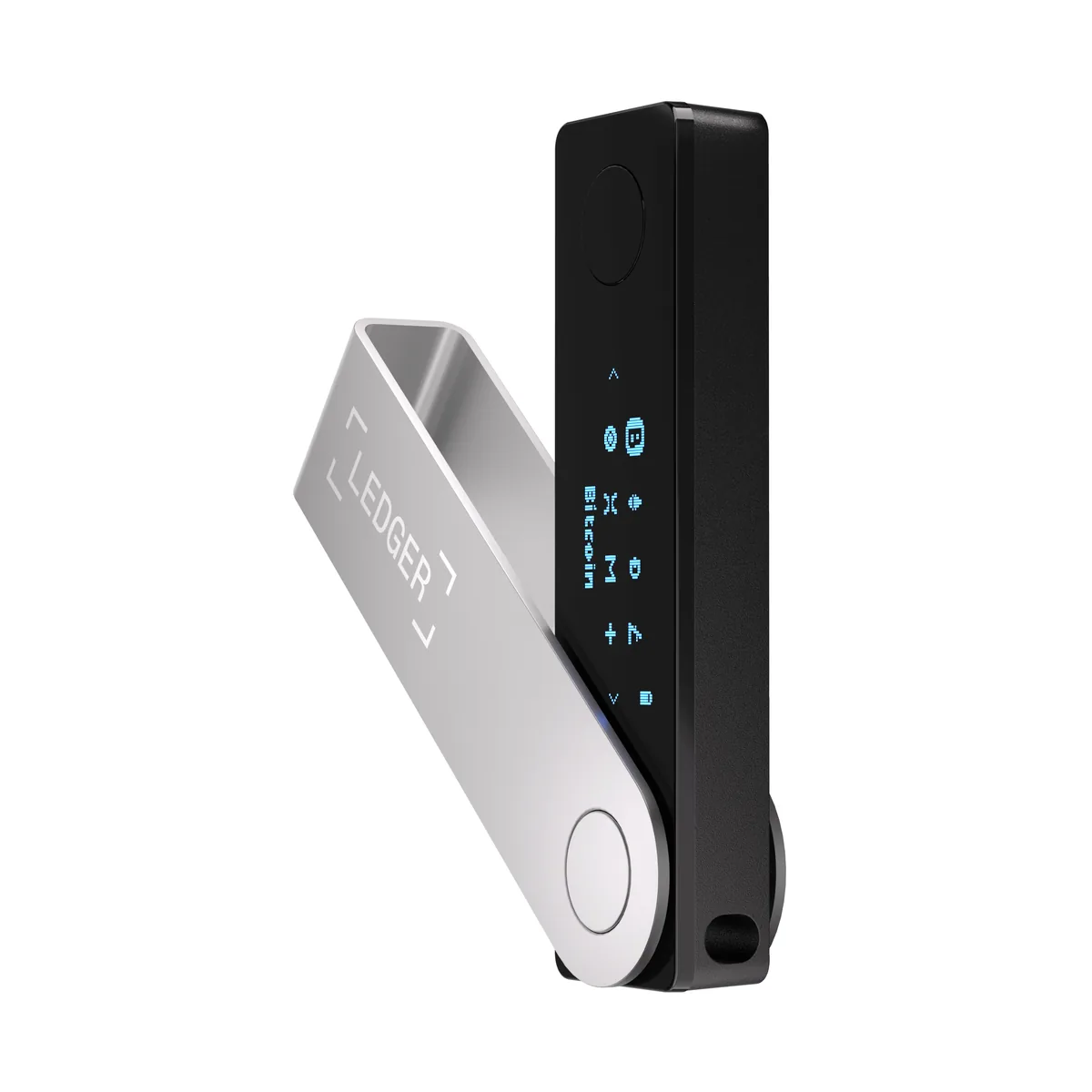
iPhone users who want the classic two-button Nano form factor, people who like a device that fits on a keychain, and anyone adding a second device to match one they already know. Ledger has also run limited collab editions of the Nano X, though several were out of stock when I checked.
Key specs, straight from Ledger
- Screen: 1.1 inch monochrome OLED, 128 x 64 px, two buttons
- Connectivity: Bluetooth (BLE 5.2) for iOS and Android, USB-C for desktop and Android. No NFC.
- Battery: 5 hours of battery autonomy per Ledger
- Secure Element: ST33J2M0, CC EAL5+, Ledger OS
- Build: brushed stainless steel and plastic. 72 x 18.6 x 11.7 mm, about 34 g (plastic button) or 35.8 g (metal button)
- Phones: iOS 14+ or Android 10+. Not compatible with Chromebooks.
- Updates: OS updates over Bluetooth need Ledger OS 2.4.1 or later. Older versions need a wired update.
- Assets: Ledger’s FAQ says 15,000+ coins and tokens and up to 100 apps. The spec sheet lists 500+ crypto in Ledger Wallet and thousands more, including NFTs, via third-party wallets.
- In the box: device, USB-C to USB-A cable, 3 Recovery Sheets, keychain strap
Price: Ledger changes prices and runs promos often, so I don’t list one here. See the current price on Ledger.
APE, ApeChain and NFTs: what Ledger actually says
Ledger’s support site says ApeCoin (APE) is supported in Ledger Wallet as an ERC-20 token on Ethereum. That covers APE you hold on Ethereum mainnet.
ApeChain is a different story. As of November 19, 2026 I could not find a Ledger page that documents ApeChain as a supported network in Ledger Wallet, so I am not going to tell you it works there. Before you move anything on ApeChain, check two places: the network list on the Receive screen in Ledger Wallet (Ledger’s own guide says if the network isn’t listed, Ledger Wallet doesn’t support it yet), and ApeChain’s docs for wallet setup. If you use a third-party wallet connected to your Ledger, test with a tiny amount first.
On NFTs, Ledger’s spec sheet for this device says “thousands of coins, tokens, and NFTs supported via third-party wallets.” For BAYC and other Yuga collections, that usually means connecting the Ledger to a wallet you already use and signing on the device. Read every signing prompt on the screen before you approve, especially on OpenSea listings and approvals.
How it compares
This is the important part. The Nano Gen5 adds a 2.8 inch touchscreen, NFC, a Recovery Key in the box and the newer EAL6+ chip. The Nano X uses an EAL5+ chip. The Nano S Plus has the same screen and the EAL6+ chip but no Bluetooth or battery and no iPhone support. The Flex and Stax are bigger daily-use devices.
| Model | Screen | Connectivity | Battery | Secure Element |
|---|---|---|---|---|
| Ledger Nano S Plus | 1.1 in. monochrome OLED, 128 x 64 px | USB-C | No battery (cable powered) | ST33K1M5, CC EAL6+ |
| Ledger Nano X | 1.1 in. monochrome OLED, 128 x 64 px | Bluetooth 5.2, USB-C | Battery, 5 hours (Ledger’s figure) | ST33J2M0, CC EAL5+ |
| Ledger Nano Gen5 | 2.8 in. monochrome E Ink touchscreen, 300 x 400 px | Bluetooth 5.2, NFC, USB-C | Not stated on the product page | ST33K1M5, CC EAL6+ |
| Ledger Flex | 2.8 in. 16-grayscale E Ink touchscreen, Gorilla Glass, 480 x 600 px | Bluetooth 5.2, NFC, USB-C | 10 hours (Ledger’s figure) | ST33K1M5, CC EAL6+ |
| Ledger Stax | 3.7 in. curved 16-grayscale E Ink touchscreen, 400 x 670 px | Bluetooth 5.2, NFC, USB-C, Qi wireless charging | 10 hours (Ledger’s figure) | ST33K1M5, CC EAL6+ |
Specs from each model’s official product page on shop.ledger.com, checked November 19, 2026.
Honest pros and cons
Pros
- Bluetooth and battery, works with iPhone
- Compact keychain form factor
- Familiar if you have used Ledger before
Cons
- Older EAL5+ Secure Element, while the S Plus, Gen5, Flex and Stax list EAL6+
- Small screen and buttons make reviewing long transactions slow
- 5 hour battery per Ledger, half of Flex and Stax
- No NFC and no Recovery Key in the box
Setup and self-custody rules I would not skip
- Buy from the official store or a listed reseller. Ledger’s own support pages say to buy only from shop.ledger.com or an authorized reseller on its reseller list. A “great deal” from a random marketplace seller is exactly how tampered devices end up in people’s hands.
- Your 24 words are generated on the device, by you. If a Nano X arrives with a recovery phrase already printed or written in the box, do not use it and do not send funds to it. Ledger calls this the pre-seed scam and says a real device never ships that way.
- Nobody from Ledger will ever ask for your phrase. Not support, not the Ledger Wallet app, not an email, not a letter in your mailbox. The only place those words ever get typed is on the device itself during setup or restore.
- Run the Genuine Check. Ledger Wallet runs a cryptographic check during setup to confirm the Secure Element is real. Let it finish.
- Watch for lookalike sites. Phishing emails use domains with small misspellings. Type shop.ledger.com yourself or use a bookmark, and download Ledger Wallet only from Ledger’s official site.
- Store the backup offline. Paper or metal, somewhere fire and water won’t get it, and never in a photo, a notes app, a cloud drive or a DM to yourself.
- Test small first. Send a small amount, confirm you can see and move it, then move the rest.
My take
If you love the stick form factor and need iPhone, the Nano X still works. If you’re buying fresh, compare it against the Nano Gen5 first. For most new buyers the Gen5 is the better device.
See the Ledger Nano X on Ledger or read which Ledger you should buy.
Disclosure: This post contains affiliate links. If you buy through them, I may earn a commission at no extra cost to you. I only point you to Ledger’s official store, never a third-party seller. Nothing here is financial advice.