Google Business Profile Suspended? A Recovery Plan That Works
Few things hit a local business faster than a suspended Google Business Profile. The calls stop, your listing disappears from Maps, and the reviews you spent years earning are hidden. I help business owners through this, and the first thing I tell them is: do not panic, and do not start over.
What should you do if your Google Business Profile is suspended?
Do not delete the profile or create a new one. Read the notice to see whether it is suspended or disabled, fix anything that breaks Google’s guidelines, gather proof your business is real, and file one appeal through Google’s official process. A clean, documented appeal works better than repeated attempts.
Why profiles get suspended
Google’s rules are in its guidelines for representing your business on Google. Most suspensions I see trace back to a few of them:
- Keywords in the business name. Your name on Google should match your real-world name. “Smith Plumbing” is fine. “Smith Plumbing Ocala Best Emergency Plumber” is not.
- An address you cannot use. Virtual offices and mailboxes are not allowed as a business location. If you serve customers at their homes and have no storefront, you should be a service-area business with the address hidden.
- Big edits all at once. Changing name, address and category in one sitting can trigger a review.
- Category or website mismatch. The category and the site should match what you actually do.
Sometimes there is no clear reason and the suspension is a mistake. That happens, and it is still fixable.
Suspended vs disabled
Google’s help page, Fix suspended or disabled profiles, walks through the official steps. Read your notice carefully, because the wording tells you which situation you are in and what Google wants you to do next. I start every recovery by reading that notice with the owner.

The recovery steps I follow
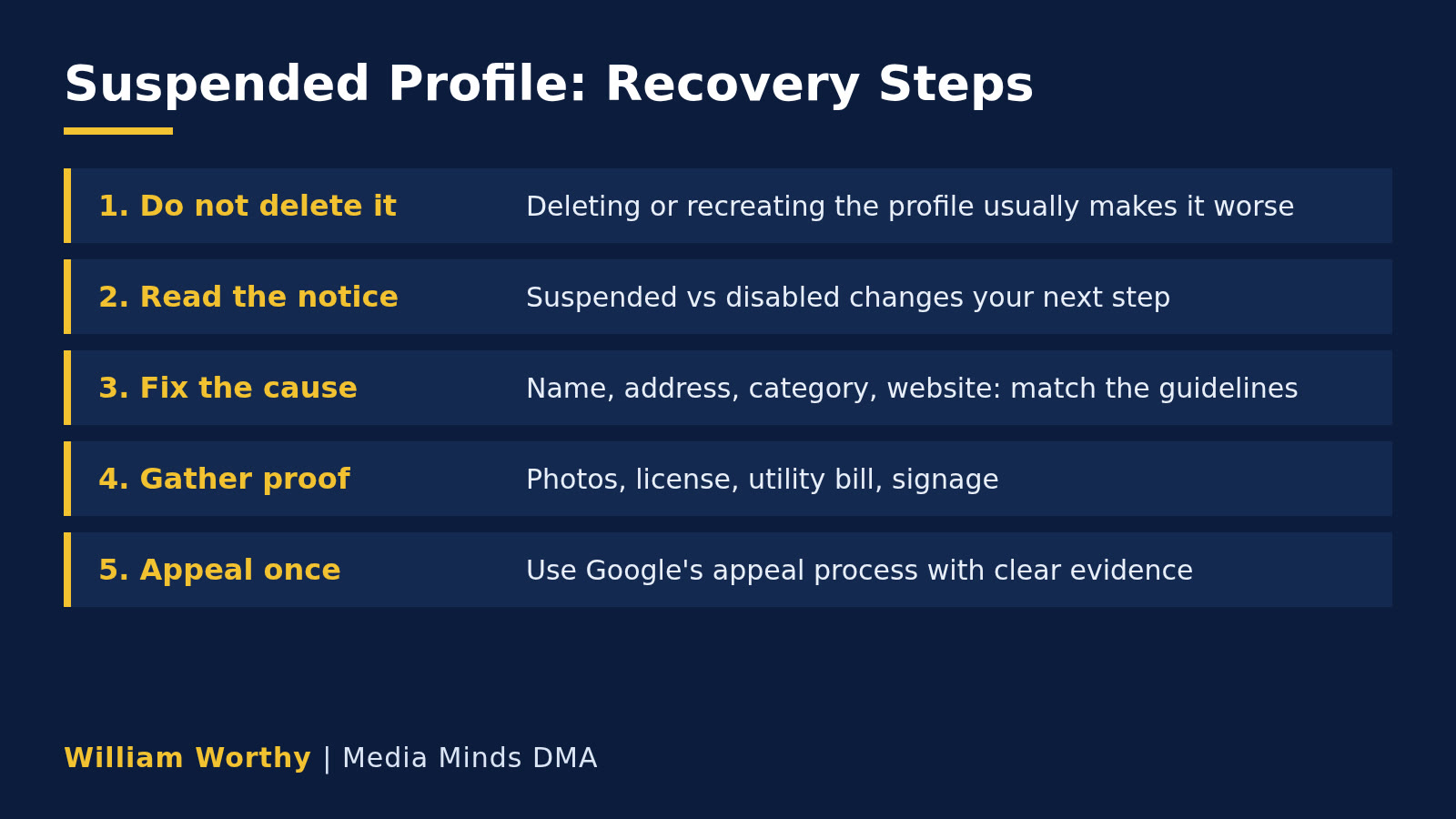
- Freeze. No new profiles, no deletions, no more edits until we know the cause.
- Audit the profile against the guidelines. Name, address, service area, category, hours, website and phone.
- Fix what breaks the rules. Usually that means cleaning the business name or switching to a service-area setup.
- Gather proof. Photos of permanent signage, your business license, a utility bill or lease in the business name, and photos of your vehicle or tools if you work on the road.
- Appeal once, clearly. Use Google’s appeal process and attach the evidence. Repeated appeals with no new evidence tend to slow things down.
The local SEO tricks that put profiles at risk
Edward Sturm interviewed Bodhi Gallo about Maps tactics in The Local SEO Tricks Google Hasn’t Caught Yet. The title tells you the risk. A tactic that works because Google has not caught it yet can stop working the day Google does. For a business that depends on Maps calls, I would not trade a short-term boost for a suspended profile. David Quaid’s Local SEO News: How has it changed in 2026? is a good overview if you want the wider picture.
Get your profile back
If your profile is suspended, disabled or stuck in verification, that is exactly what my Google Business Profile verification and recovery service handles. I review the notice, fix the cause and handle the appeal with you, so your customers can find you again.
Once you are back, it is worth checking whether your profile and your website are competing for the same searches. I explain that in is your Google Business Profile stealing rankings from your website?
FAQ
Should I create a new profile if mine is suspended?
No. A duplicate profile breaks the guidelines and can make recovery harder. Work on the original.
If you find my posts useful, scroll to the bottom of this page and click Make me preferred on Google. It tells Google you want to see more from williamworthy.us in your results. Here is how Google Preferred Sources works.